All of what your business needs in one space
Workflow Automation: To streamline tasks, approvals, and data routing across departments.
Document Management: For automated creation, storage, and retrieval of digital documents.
Integration Capabilities: To connect smoothly with existing systems like CRM, ERP, and accounting software via APIs.
Communication & Collaboration Tools: Such as chat, email, and calendars, integrated into a single workspace.
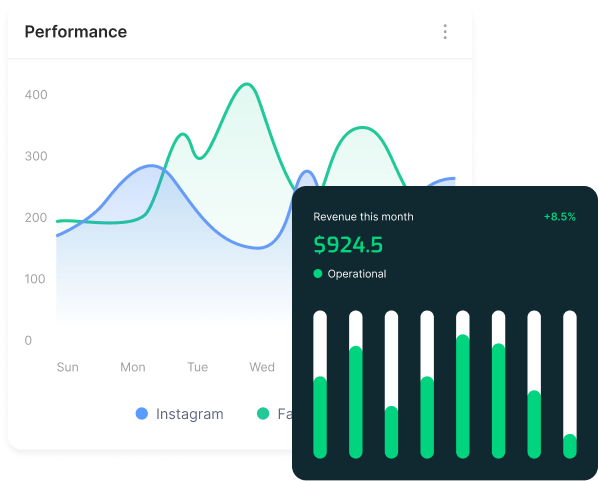
Data & Analytics: To provide real-time insights and help with data-driven decision-making.
Specific Departmental Solutions: Including automation for HR, finance, sales, and marketing.
Automate all of business operations
Pinpoint automation opportunities: Look for repetitive, time-consuming, and manual tasks across departments like HR, finance, marketing, and customer service.
Analyze existing workflows: Study current processes to understand the steps, potential bottlenecks, and where automation would have the most impact.
Set clear goals: Define what you want to achieve through automation, such as cost reduction, improved efficiency, or greater accuracy, to help measure success.
Integrate all business department
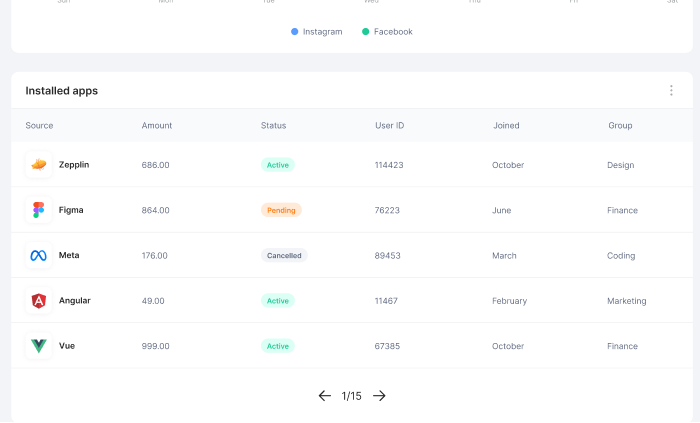
Connect to third-party apps
One interface to monitor all
Make your business processes efficient
It’s a shift in mindset, changing the way your people think about and approach technology. AI and people learn from and guide each other as your organization moves from manual work to full autonomy.
Features
It’s a shift in mindset, changing the way your people think about and approach technology. AI and people learn from and guide each other as your organization moves from manual work to full autonomy.
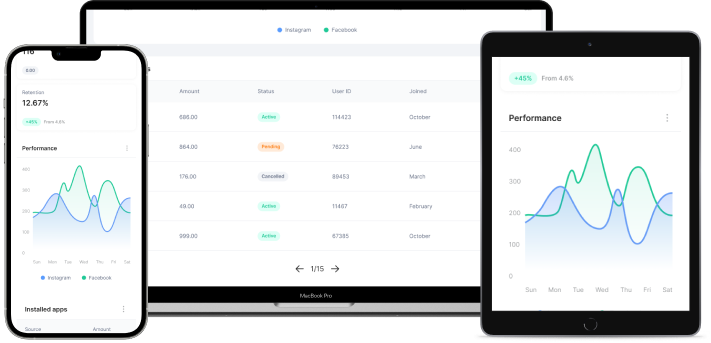
Accessible through all devices
Content and functionality adjust and remain usable across various screen sizes, input methods (touch, keyboard, voice), and operating systems (iOS, Android, Windows, macOS).